
How to Merge PDF Files Without Adobe Acrobat
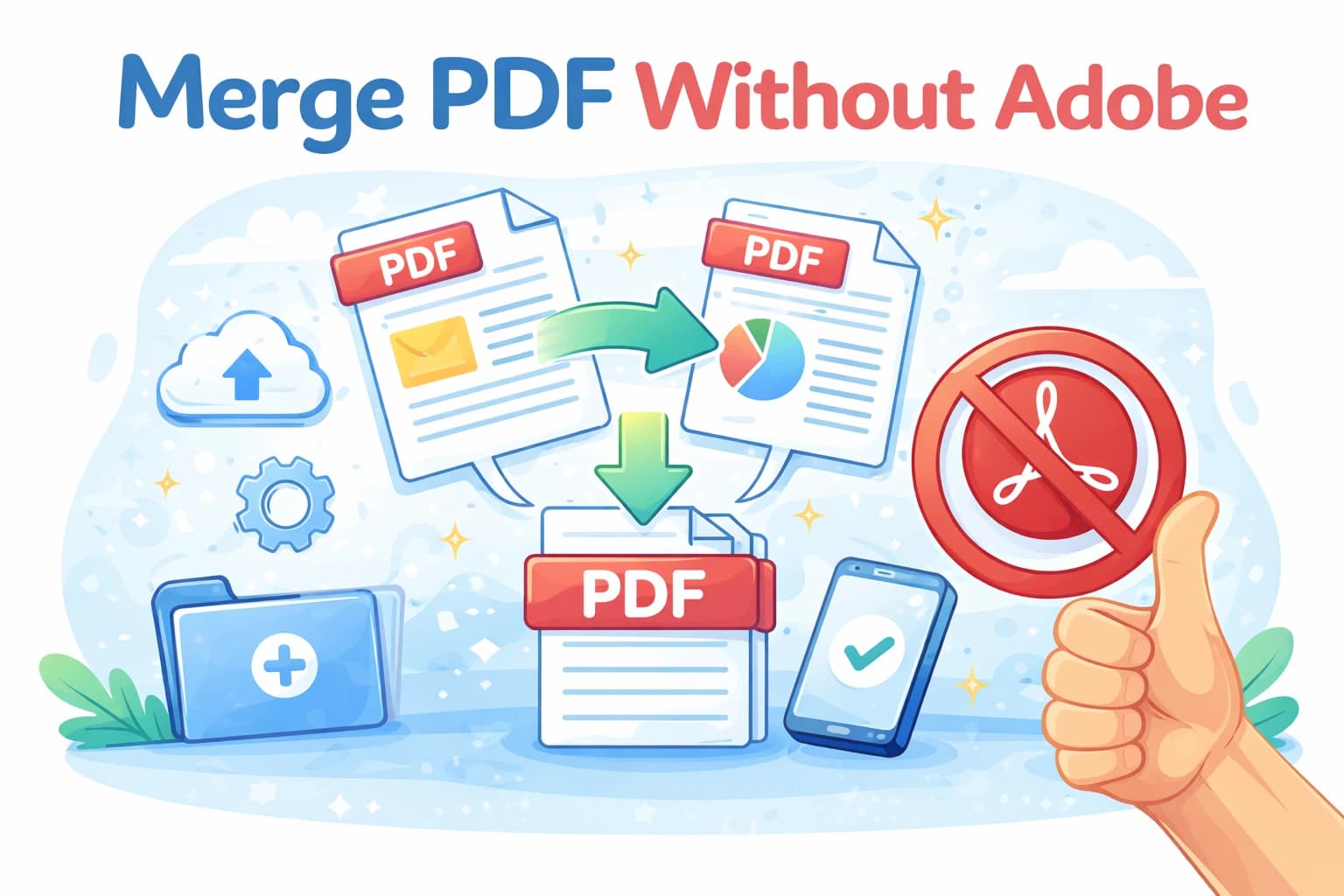
Adobe Acrobat can merge PDF files — but it costs $20–$25 per month and requires a subscription to unlock that feature. For a task as simple as combining two files, that's a lot to pay. The good news is that you don't need Acrobat at all. You can merge PDFs online for free, in seconds, without installing any software or creating an account.
Here's how to do it — and a honest comparison of your options.
In short
- ✔ Merge PDFs for free — no Acrobat subscription needed
- ✔ Works entirely in your browser, on any device
- ✔ No watermarks, no limits, no registration
- ✔ Same output quality as paid tools
Why people think they need Adobe Acrobat
Adobe created the PDF format, and for a long time Acrobat was the only serious tool for working with PDFs. Merging files, editing content, adding signatures, filling forms — all of these required a paid Acrobat license. That was true for most of the 2000s and early 2010s, and the perception has stuck even as the landscape changed dramatically.
Today, merging PDFs is a commodity operation. Dozens of tools can do it, and many of them are free. The PDF specification is open and well-documented, so any competent developer can build a tool that combines PDF files without any involvement from Adobe.
You still need Acrobat for some advanced tasks — editing the actual text of a PDF, for example, or creating PDF forms from scratch. But for basic operations like merging, splitting, rotating, or compressing, a free online tool does exactly what Acrobat does, without the subscription.
How to merge PDFs without Adobe in 3 steps
Upload your PDF files
Open the PDF merge tool in any browser and drag your files onto the page, or click to select them from your computer or mobile device. No account, no Adobe ID needed.
Set the file order
Arrange the files in the order you want them to appear in the merged output. You can drag them up or down the list. The final PDF will contain all pages from each file in the sequence you set.
Merge and download
Click merge and download the result. The file is a standard, high-quality PDF — identical to what Acrobat would produce. Open it in any PDF viewer, on any device.
Is the output the same quality as Adobe Acrobat?
Yes, for merging. Combining PDF files is a structural operation — it joins the file data together without re-rendering pages or reprocessing images. The output of any correctly built merge tool (including ours) is bit-for-bit equivalent to what Acrobat produces: the pages look exactly the same, fonts are preserved, and text remains searchable.
Quality differences between tools become relevant for operations that involve re-rendering, like image compression or PDF-to-image conversion. For merging, the quality is the same regardless of which tool you use.
Other free alternatives to Adobe Acrobat for PDF tasks
Beyond merging, most of what people use Acrobat for can be done with free tools:
- Compress PDF — reduce file size for email or storage
- Split PDF — extract individual pages or page ranges
- Rotate PDF — fix pages that are sideways or upside down
- Protect PDF — add a password to a document
- PDF to Word — convert a PDF to an editable DOCX file
All of these are free and require no registration. The only things that genuinely require Acrobat (or a similar paid tool) are advanced features like editing the actual text of a PDF in place, creating interactive forms from scratch, or working with PDF/A archival formats.
Frequently asked questions
Will the merged PDF open in Adobe Acrobat Reader?
Yes. The output is a fully standard PDF that opens correctly in Adobe Acrobat Reader, Preview on Mac, Chrome, Edge, and any other PDF viewer. There's nothing non-standard about the output file.
Does macOS have a built-in way to merge PDFs without Acrobat?
Yes — Preview on Mac can merge PDFs. Open one PDF in Preview, open the Thumbnails panel (View → Thumbnails), then drag pages from another PDF's thumbnail view into the panel. Save the result as a new file. It's a bit fiddly but works without any additional software.
Does Windows have a built-in way to merge PDFs?
No. Windows has no native PDF merge capability. Microsoft Edge can view PDFs but can't combine them. For Windows users, a browser-based tool is the simplest free option.
Is it safe to upload documents without an Acrobat account?
Yes. Your files are uploaded over an encrypted connection, processed automatically, and deleted after your session. No account means no persistent data linked to your identity — your files are processed anonymously and immediately purged.
Merge PDFs — no Acrobat needed
Free, instant, no subscription. Works on any device, in any browser.
Merge PDF — free