
Loading...
Loading...
Side-by-side comparison: free tier limits, privacy, tool catalog, mobile. Find which online PDF tool fits your needs — honest verdict included.
Smallpdf limits free users to 2 tasks per day. Here are 5 free alternatives without paywalls, signup walls or hidden limits — tested in 2026.
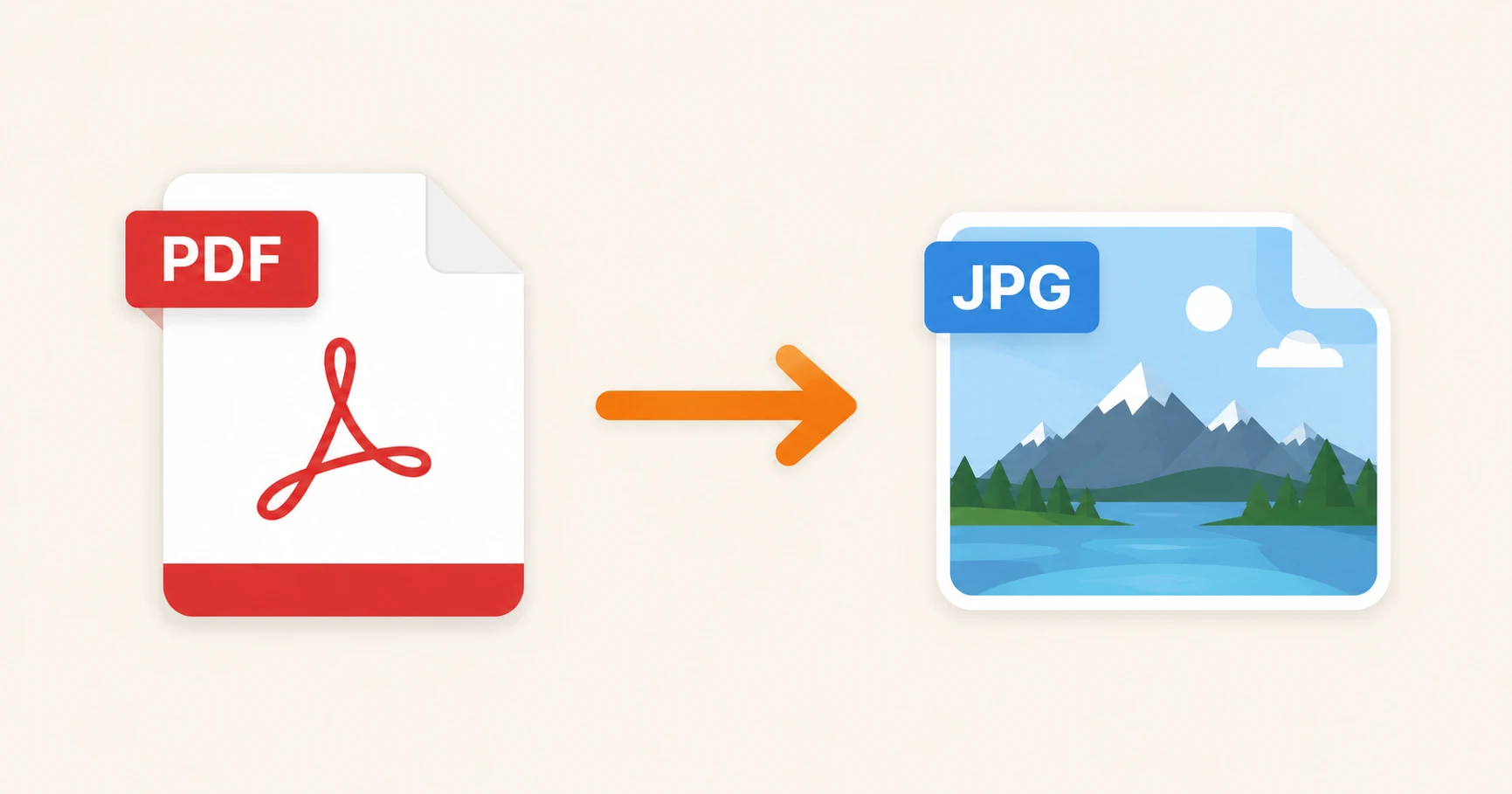
Export any PDF page as a JPG image online. Free, no registration. Convert one page or the entire document — works on desktop, iPhone and Android.
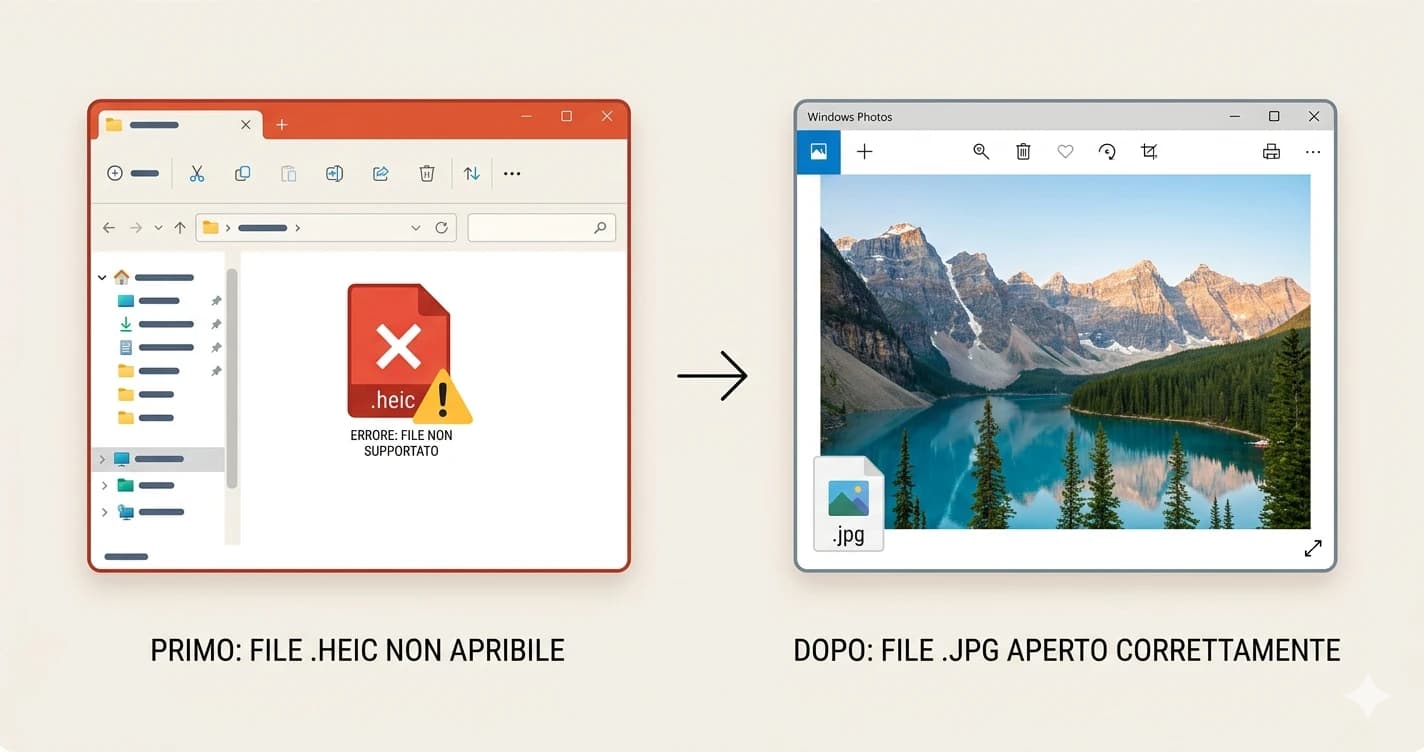
Windows can't open iPhone HEIC photos by default. Learn how to convert HEIC to JPG on Windows 10 and 11 — free, no codec or software needed.
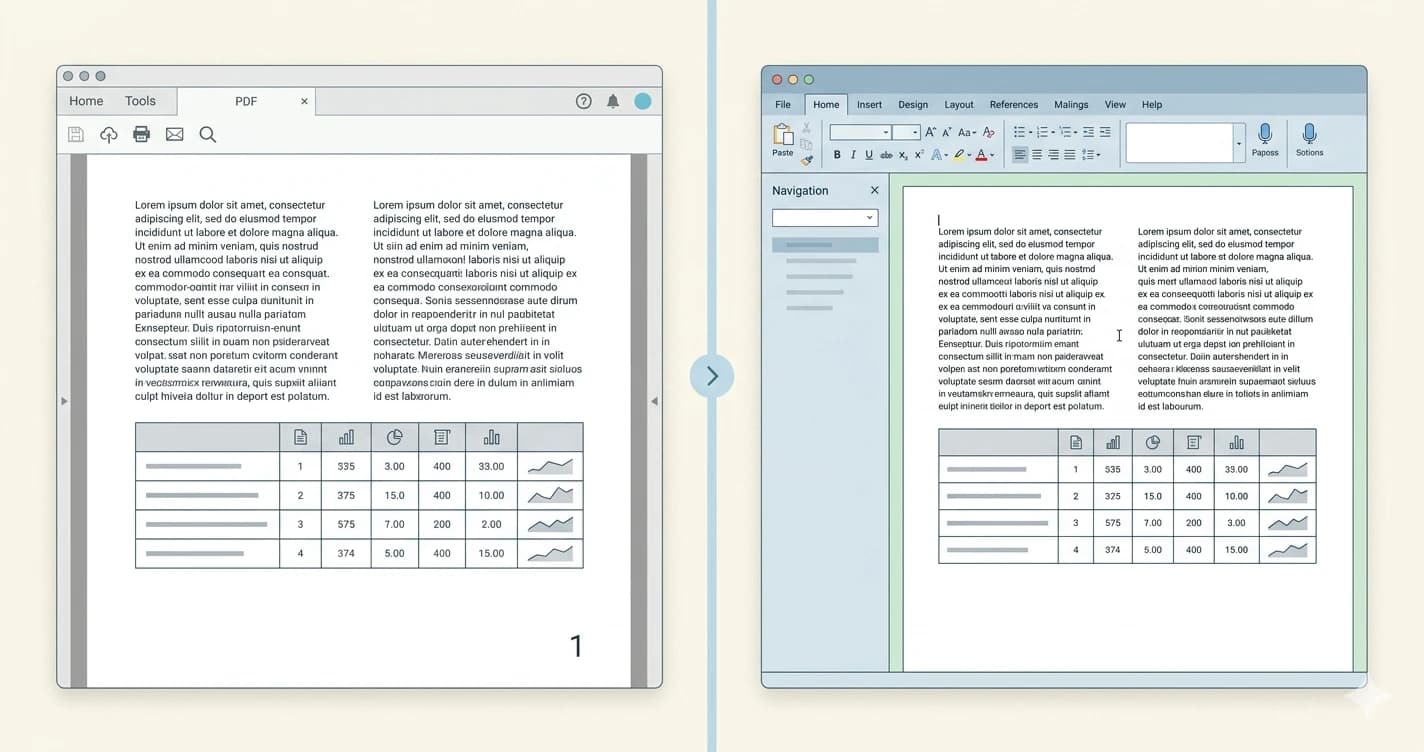
Convert PDF to Word and keep fonts, tables and layout intact. Step-by-step guide to get a fully formatted DOCX file — free, online, no software needed.
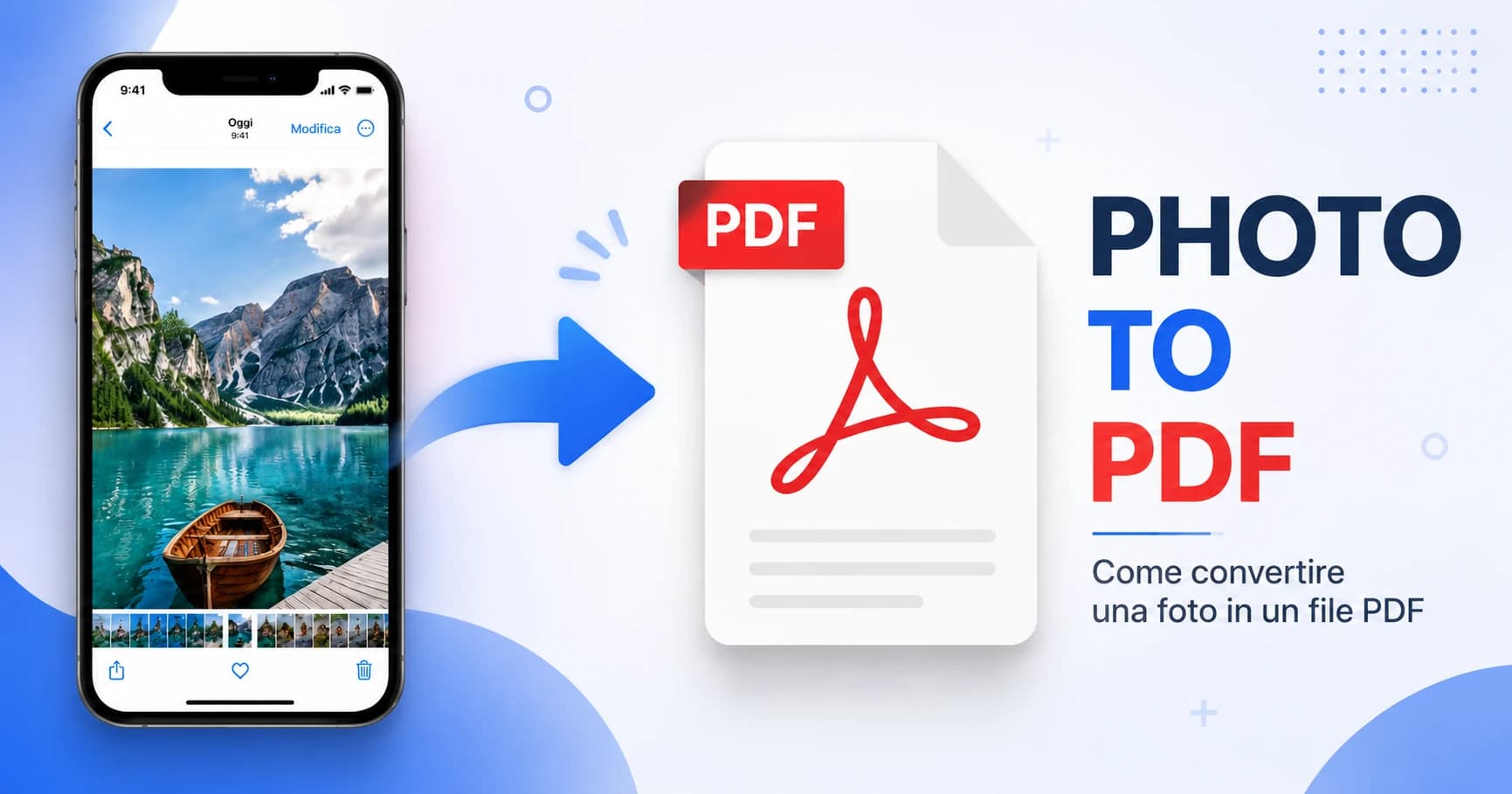
Turn any iPhone photo into a PDF in seconds — free, no app needed. Works in Safari, supports HEIC and JPG, and lets you combine multiple photos into one PDF.
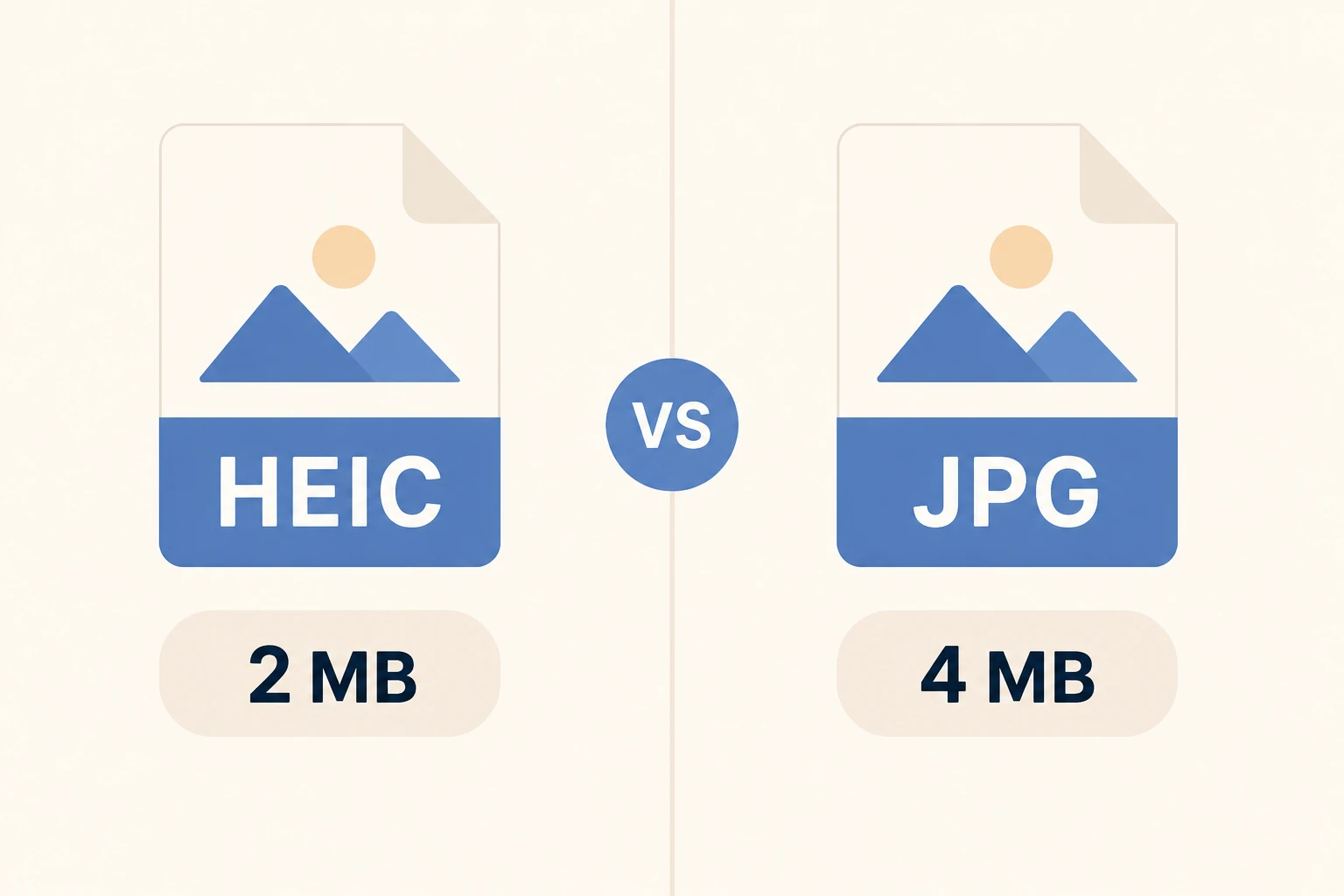
HEIC is 50% smaller, JPG works everywhere. Find out which iPhone photo format to use, when to convert, and how to do it in seconds.
Convert one or multiple PNG images into a single PDF online. Free, no registration. Transparency handled correctly — no black backgrounds.
Convert one or multiple JPG images into a single PDF online. Free, no registration required. Works on desktop, iPhone and Android.
PDF too large to email? Here are 5 practical ways to reduce its size — compress, delete pages, split, extract, or convert. Free, no software needed.
Your PDF is damaged and won't open? Here are 5 proven methods to repair a corrupted PDF — from online tools to the Google Docs trick. Free, fast, no software needed.
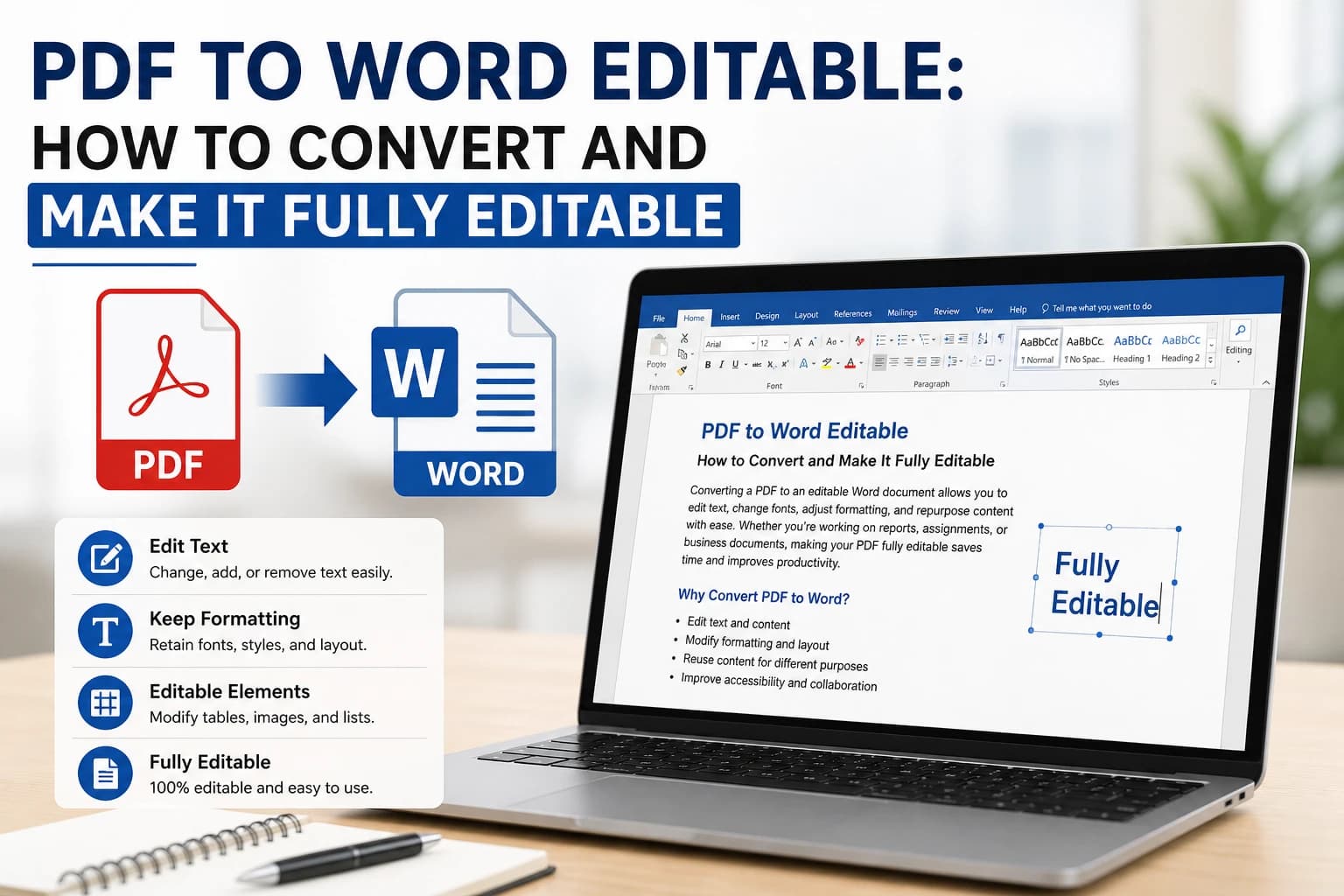
Learn how to convert PDF to Word and make it fully editable. Step-by-step guide to get a DOCX file you can modify without formatting issues.
Emails have a 10–25MB attachment limit. Learn how to reduce your PDF size by up to 70% while keeping quality, directly online in seconds.
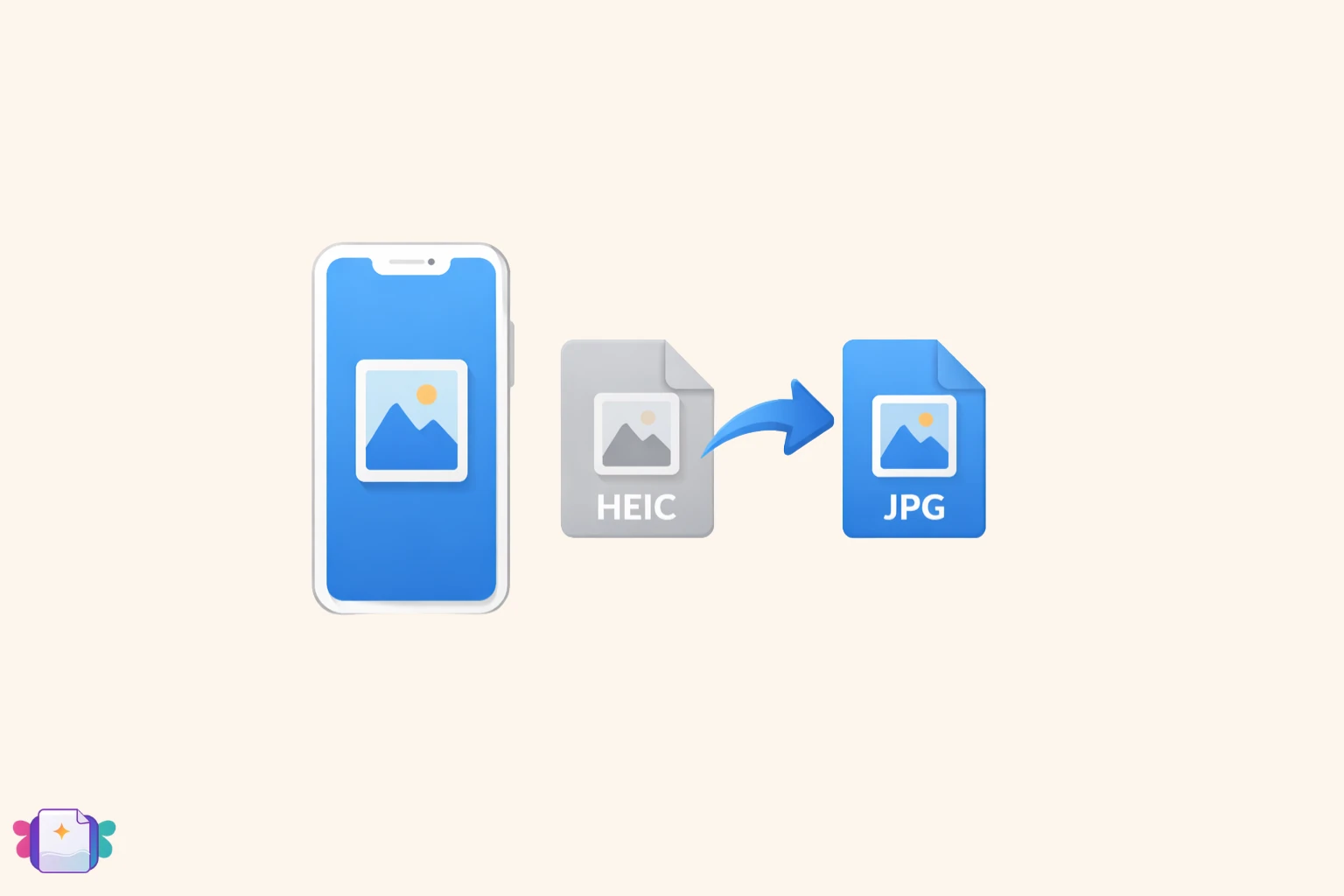
Photos taken with an iPhone are saved in HEIC format, which isn't compatible everywhere. Here's how to convert them to JPG or PNG in a few clicks, free and without installing any app.
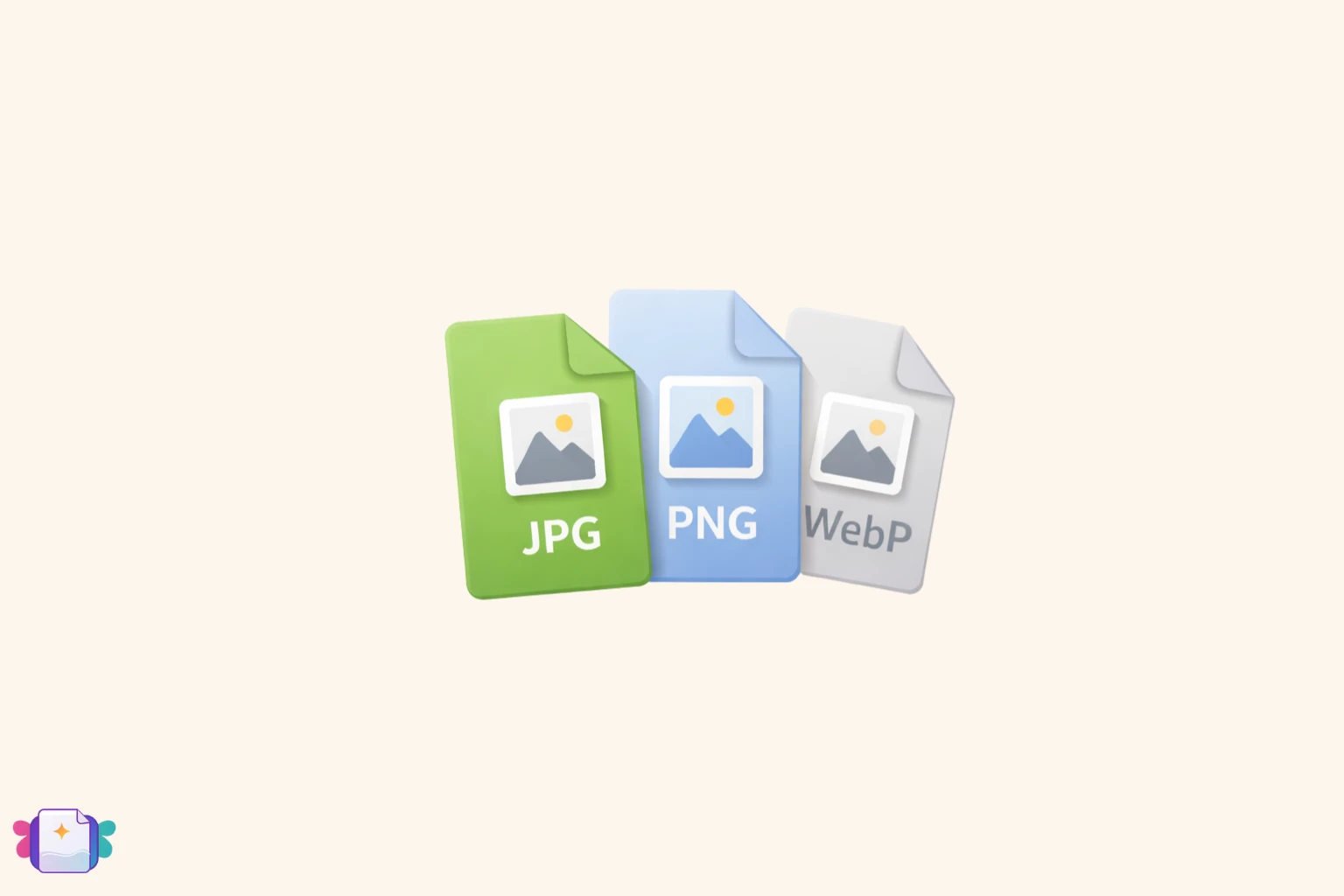
Each format has its strengths. JPG for photos, PNG for transparency, WEBP for the web. Here's a practical guide to choosing the right format for every situation.
Learn how to convert a PDF to Word for free and get an editable DOCX file in seconds, without losing formatting and without installing anything.
Converted a PDF to Word but can't edit the text? Find out why it happens and how to make even a scanned PDF truly editable.
Compare the fastest methods to convert PDF to Word free online and discover the simplest solution to get an editable DOCX file in seconds.
Excel spreadsheets are perfect for working with data, but PDFs are better for sharing. Learn how to convert XLS and XLSX to PDF in seconds, without losing formatting.
There are real, practical reasons to create a corrupted PDF — from QA testing and error handling validation to support documentation. Here's what it means and how to do it.
Need to submit a corrupted PDF? Learn how to create a broken PDF file online in seconds — useful for testing submission forms, QA workflows, and error demos.
Understand what a corrupted PDF actually is, what causes it, how to recognize one, and whether it can be repaired — or intentionally recreated.
Learn how to create and send a corrupted PDF file by email. Step-by-step guide for QA testers, developers, and support teams who need a reliably broken file.
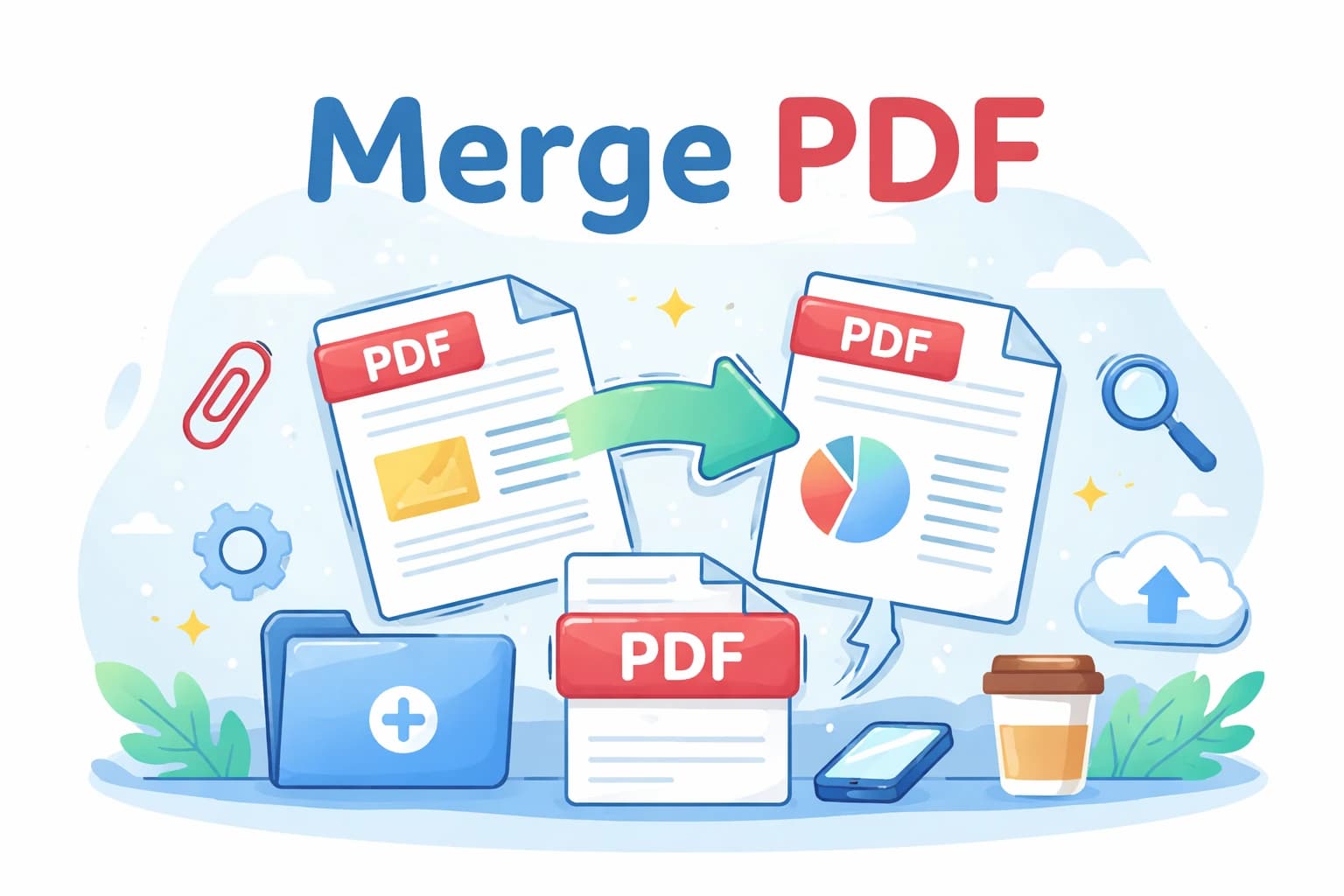
Step-by-step guide to combine two or more PDF files into a single document online, for free, without installing any software.
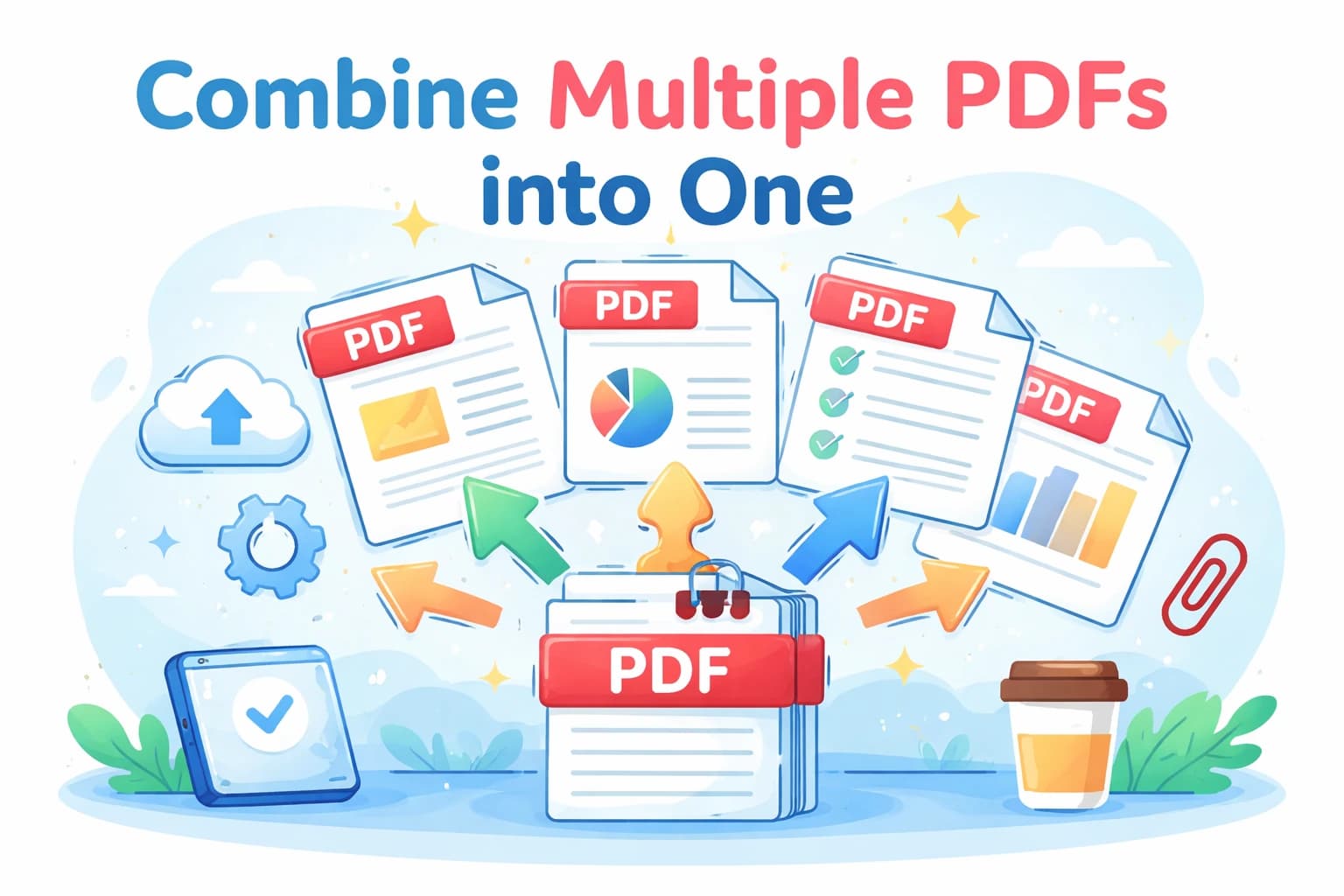
The fastest way to merge several PDF documents into a single file online. Works on PC, Mac, iPhone and Android — no software needed.
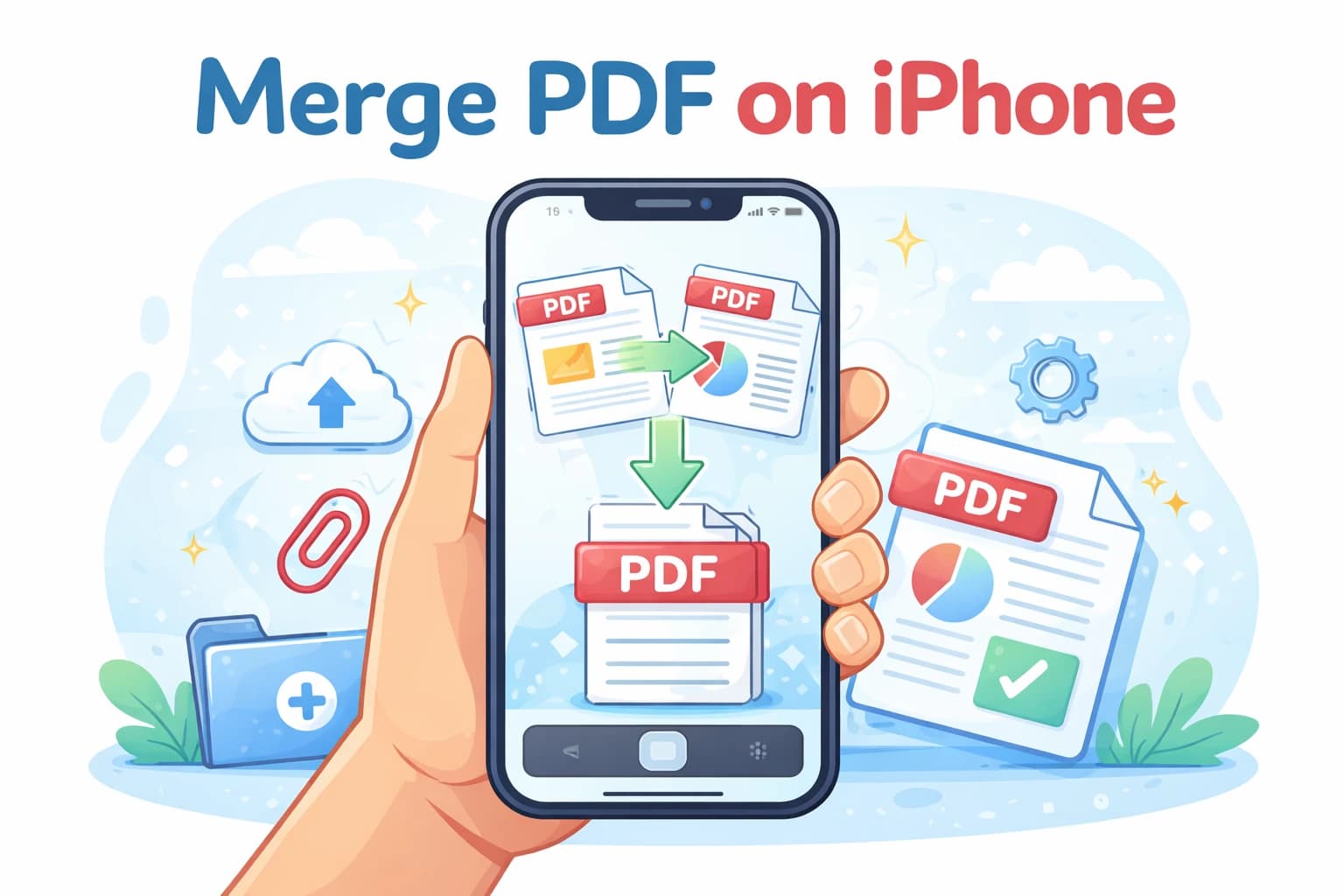
Combine PDF files directly from your iPhone or Android without installing any app. Works in any mobile browser, completely free.
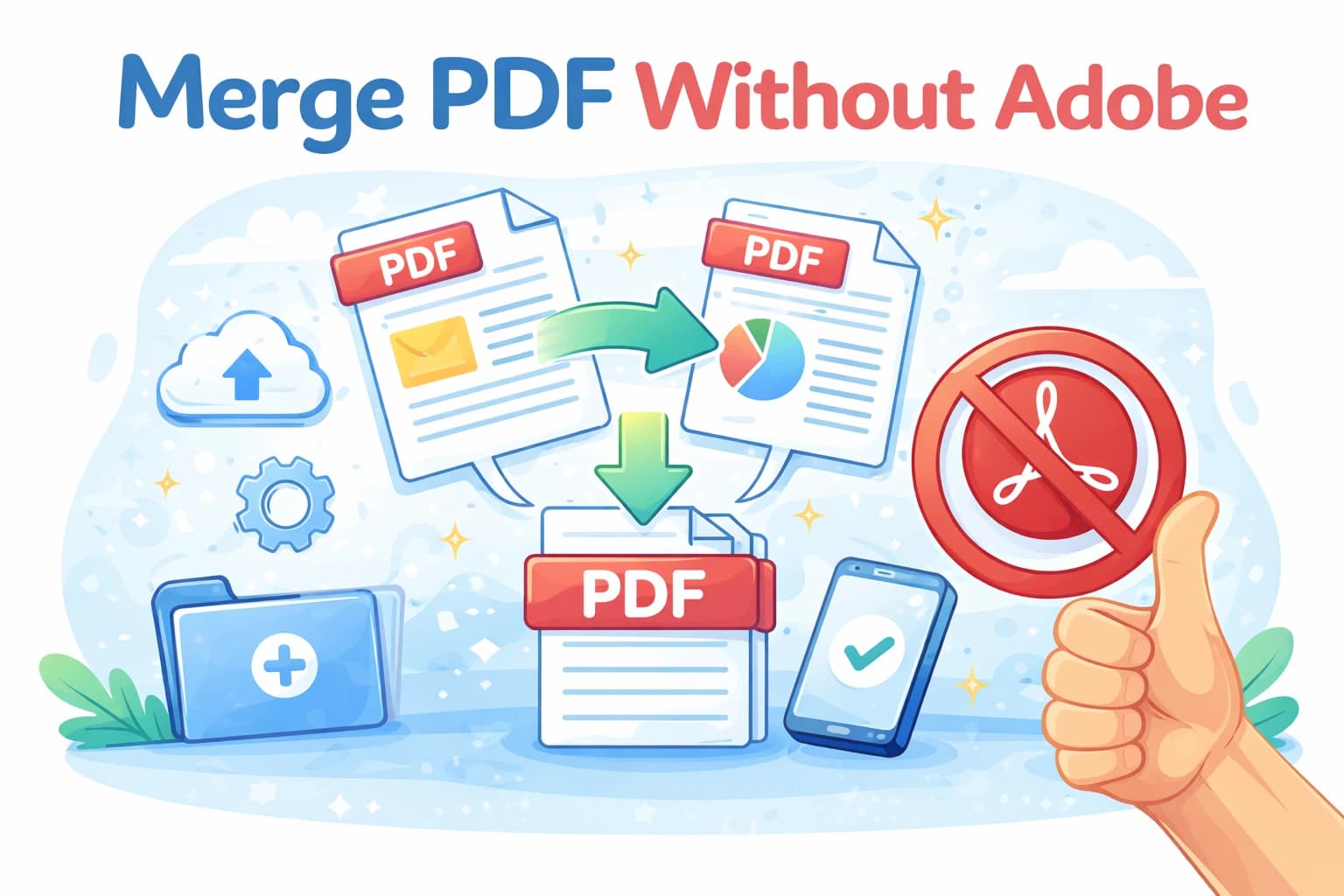
You don't need Adobe Acrobat to combine PDF files. Learn how to merge any PDFs online for free, instantly, with no subscription or software required.
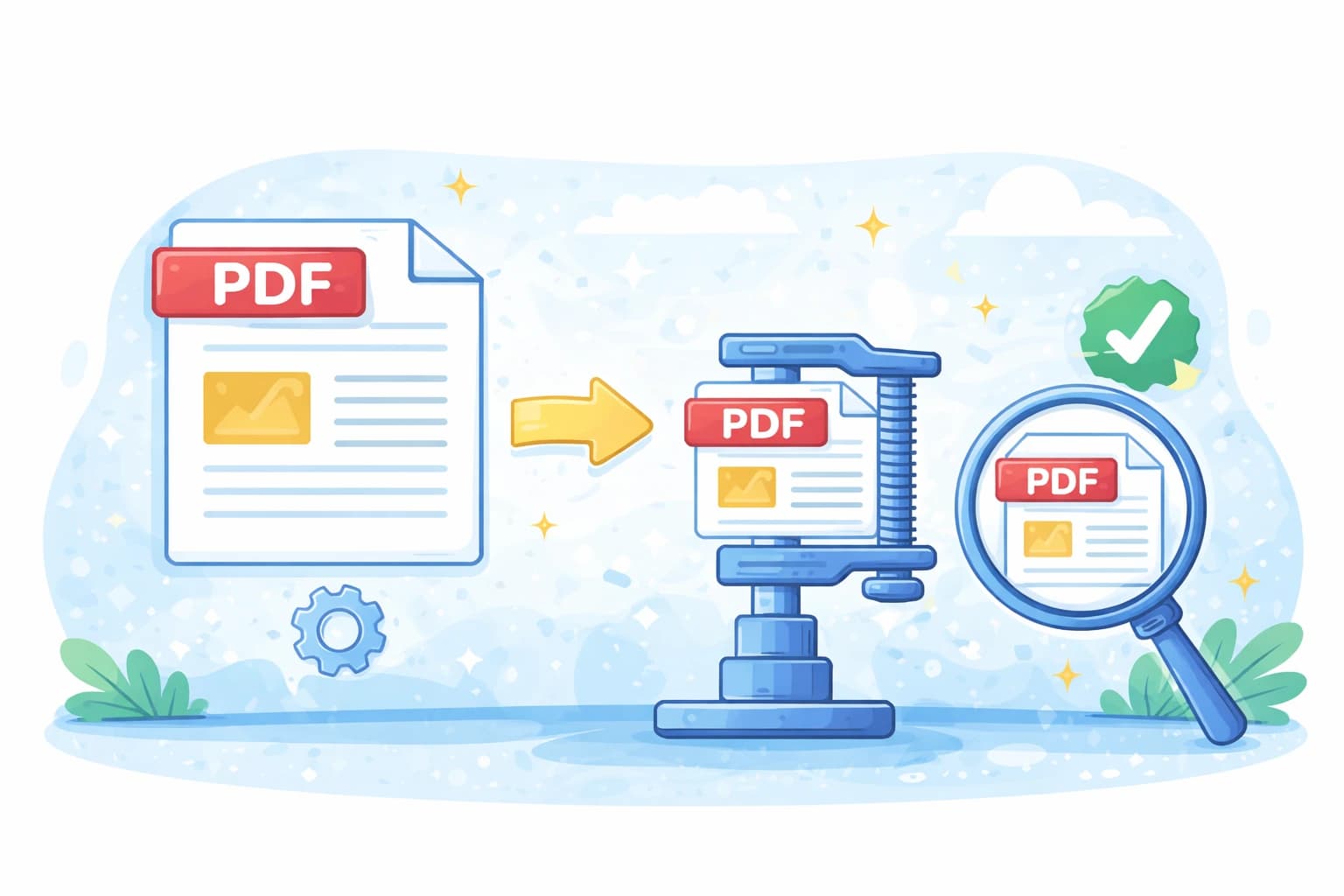
Reduce your PDF size by 50–70% while keeping text sharp and images visually identical. Learn how to pick the right compression level.
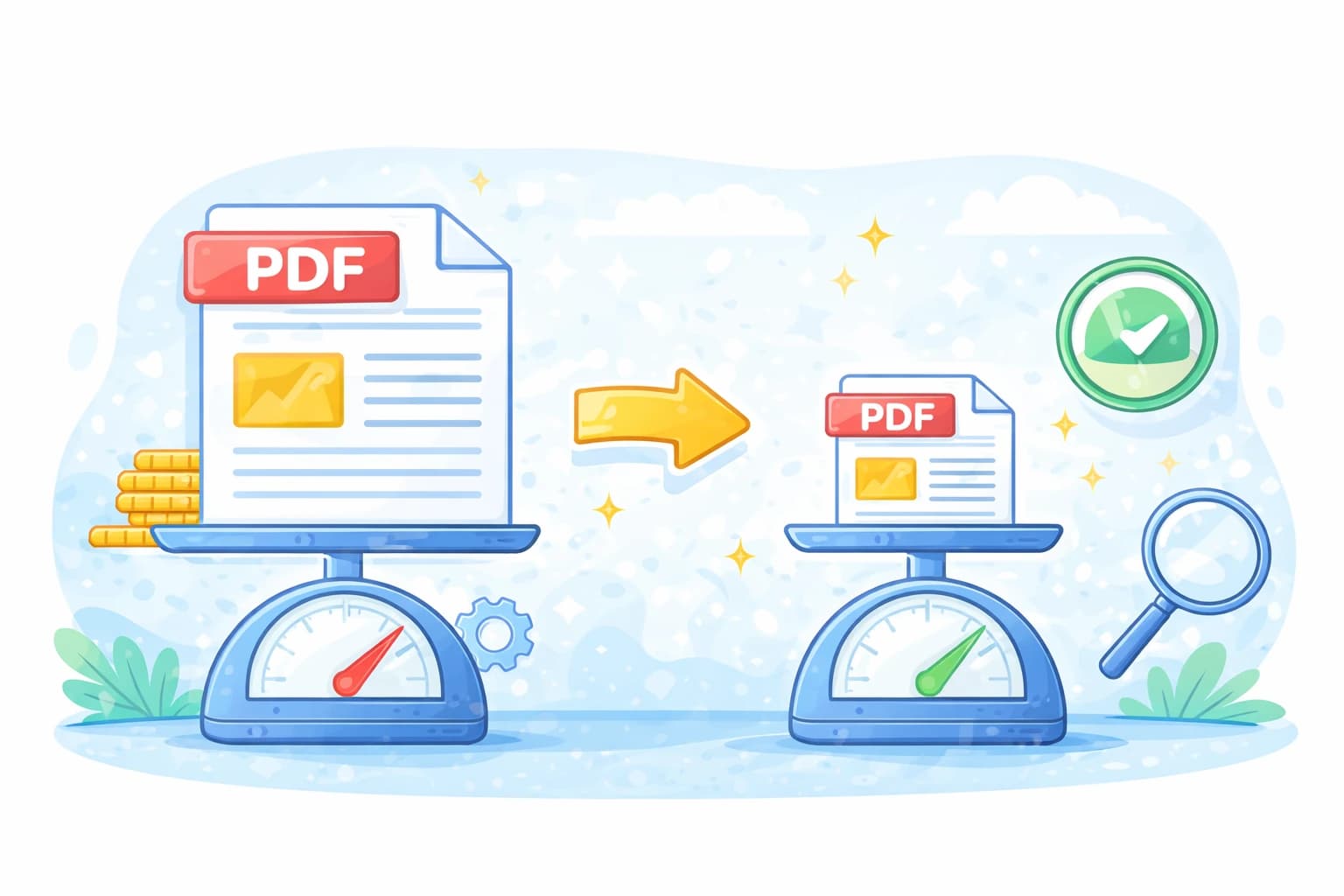
The fastest ways to reduce a PDF file size online for free. No Acrobat needed — compress any PDF in seconds directly in your browser.
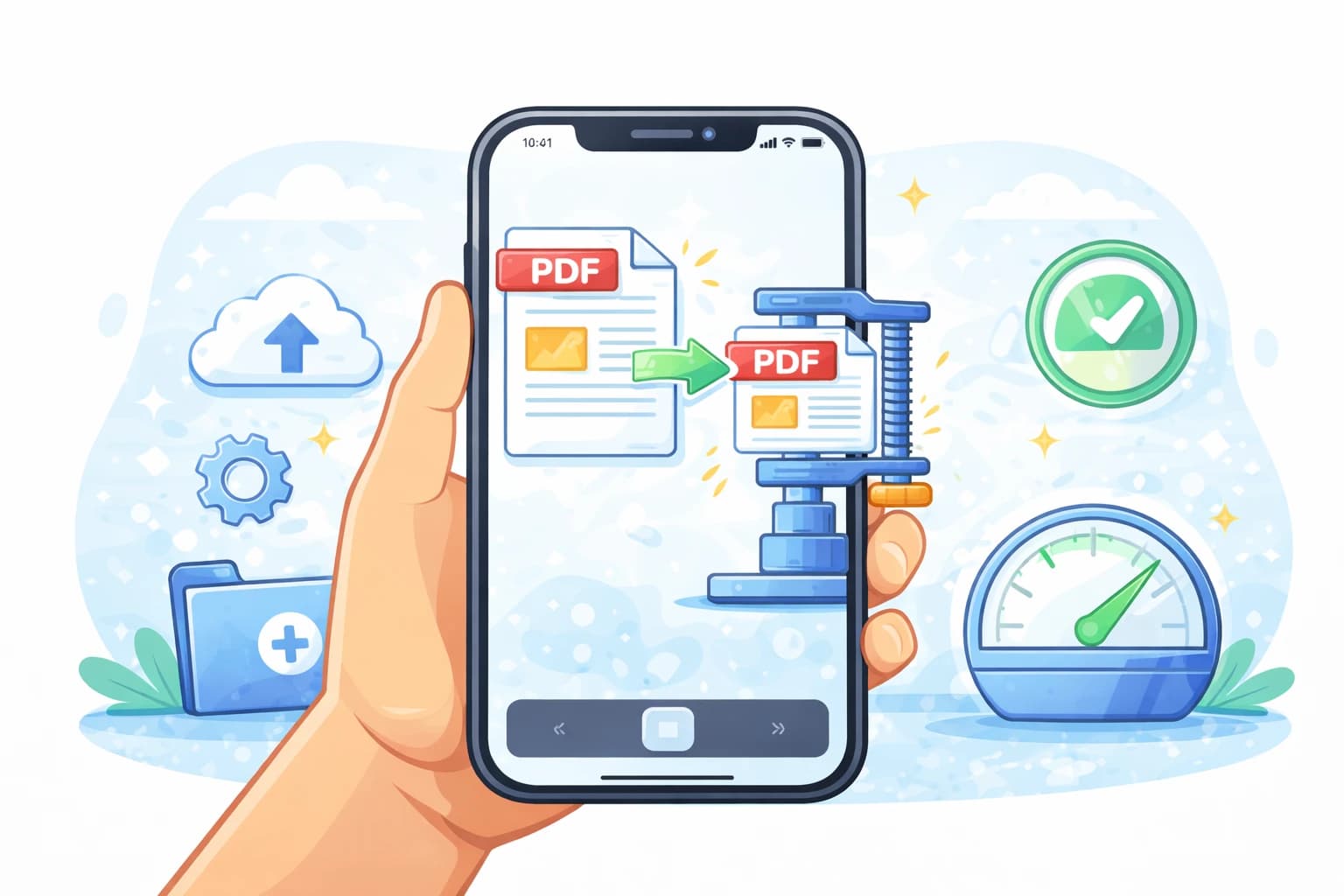
Learn how to reduce PDF file size directly from your iPhone or Android phone. No app needed — works in any mobile browser, completely free.