
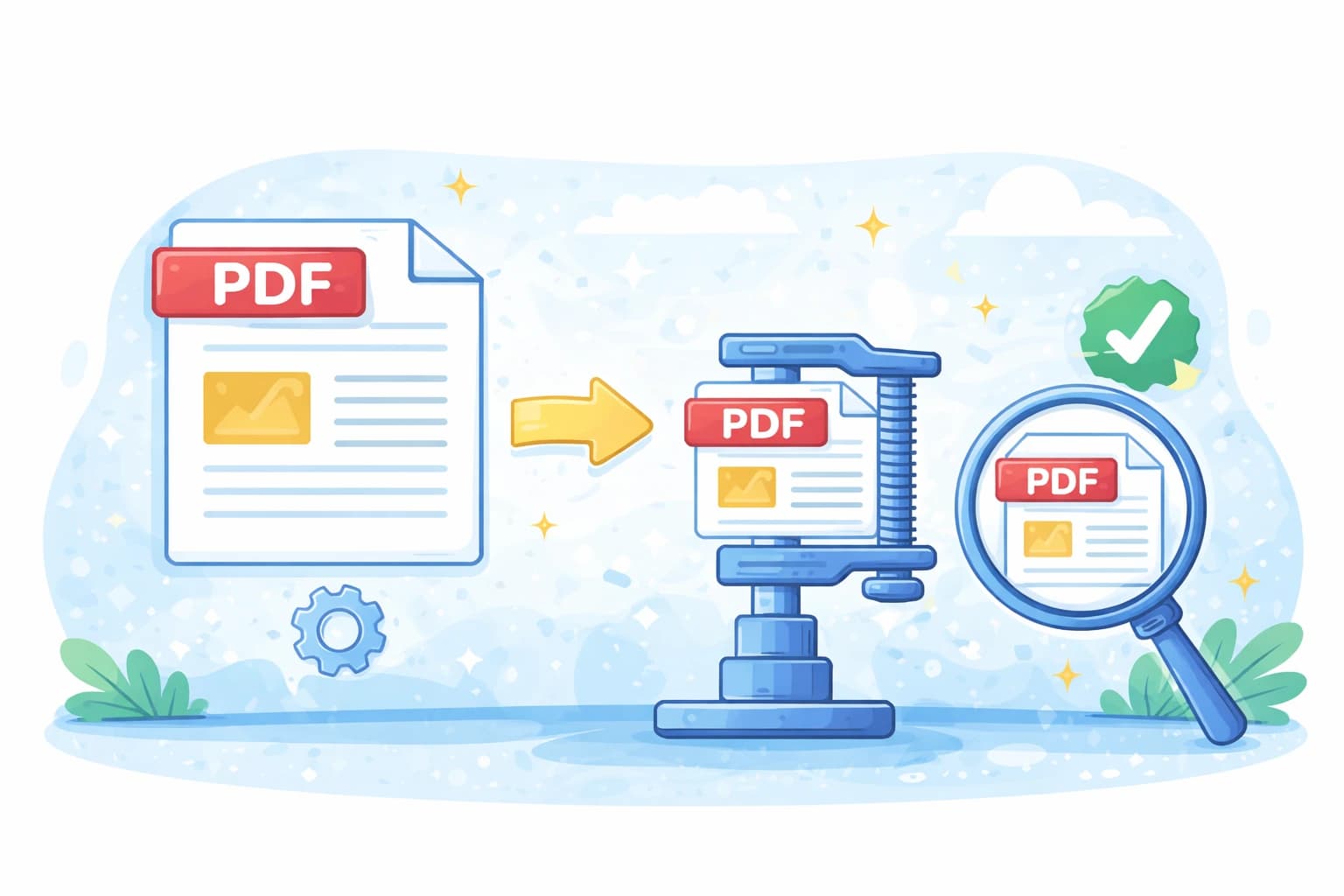
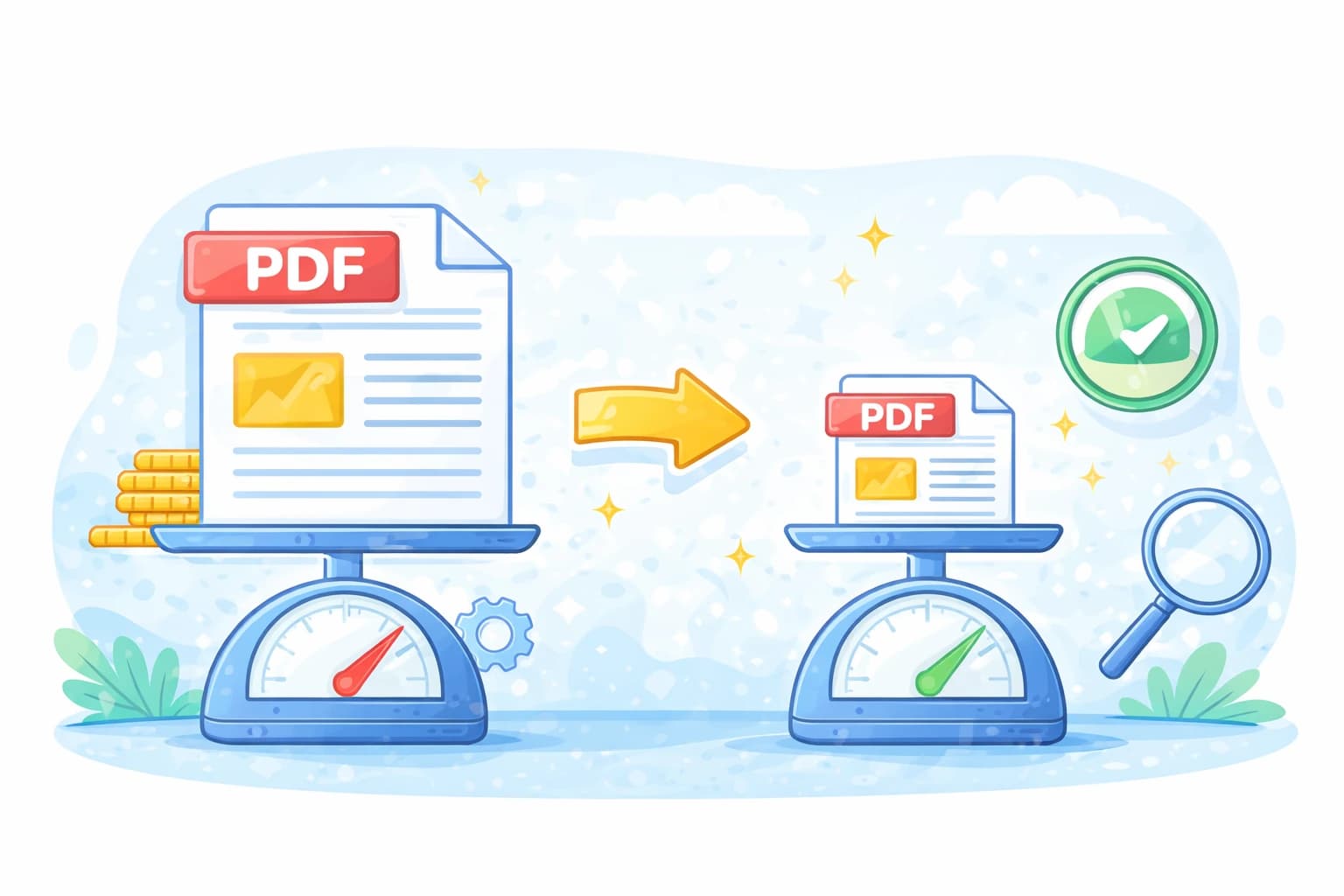
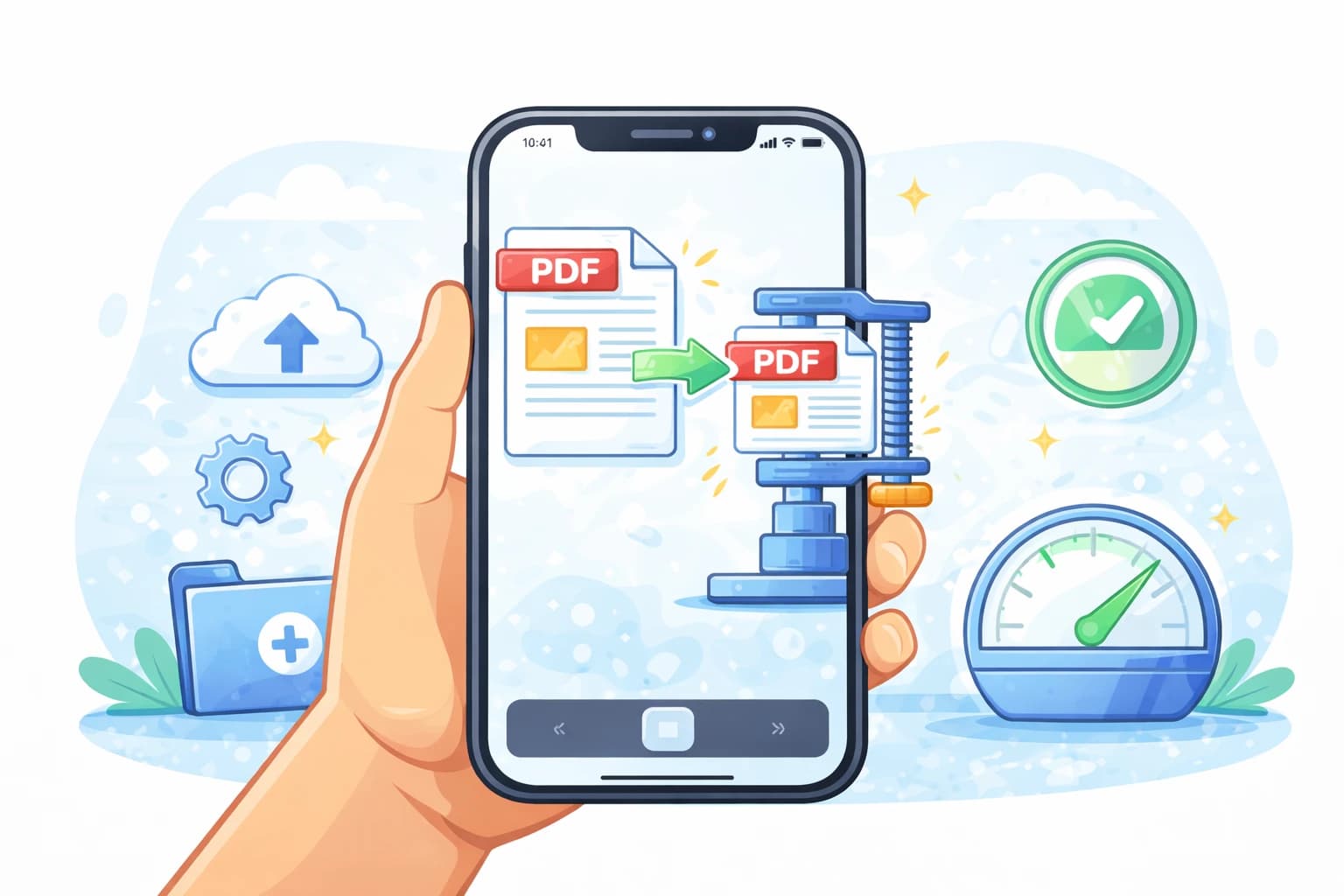
Compress PDF online: reduce file size for email in 10 seconds
Sending a PDF via email and getting the "file too large" error is frustrating. Gmail and Outlook accept files up to 10–25 MB, but just a few images can push you over the limit. The solution is simple: compress the PDF online in seconds, without losing quality.
In short:
- ✔ Reduce the PDF by up to 70%
- ✔ Free and no registration
- ✔ Practically identical quality
- ✔ Ready in less than 10 seconds
Why is a PDF too large?
- High-resolution images — greatly increase file size
- Scans — each page is saved as an image
- Embedded fonts — add weight even without images
- Hidden metadata — invisible data that takes up space
How to compress a PDF for free (step by step)
Upload the PDF
Drag the file to the zone above or click to select it. No registration required.
Choose compression
Medium mode is perfect for email: reduces size while keeping text and images readable.
Download the reduced file
In seconds you get the compressed PDF ready to send. Example: 15 MB → 4 MB.
By how much can a PDF be reduced?
- PDF with photos → 20 MB becomes about 8 MB
- Scanned PDF → 15 MB becomes about 5 MB
- Text-only PDF → 5 MB becomes about 3 MB
Does quality decrease after compression?
With low or medium compression, quality is practically identical to the original. Text always remains perfectly sharp. Only with high compression might you notice a slight reduction in images — still readable on screen and in print.
💡 Tip: always compress PDFs before sending them via email. You save time and avoid the risk of the recipient not receiving the attachment.
PDF still too large?
If after compression the file still exceeds the limit, try these alternatives:
- Split the PDF — send the document in smaller parts
- Convert to JPG — transform pages into compressed images
- Upload the file to Google Drive and share the link
Frequently asked questions
How to compress a PDF without losing quality?
Use Medium compression: reduces size by 40–60% while maintaining excellent image and text quality.
What is the attachment size limit for emails?
Gmail accepts attachments up to 25 MB, Outlook up to 20 MB. To be safe, try to stay under 10 MB.
Does it work on phone or tablet?
Yes, CandyFile works directly in the browser of any device, no installation needed.